If you would like to be notified of quote requests, additional service vendors must input email addresses into their company distribution list.
1. Log into Navarik Inspection
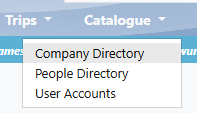
2. Select the catalogue drop-down menu > Company Directory
3. Select your company name
4. Select Modify on the top left-hand corner
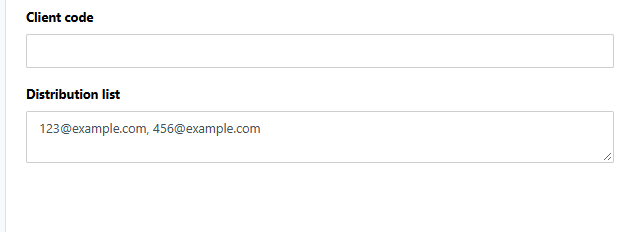
5. Enter email addresses separated by a comma in the "Distribution" box
6. Save