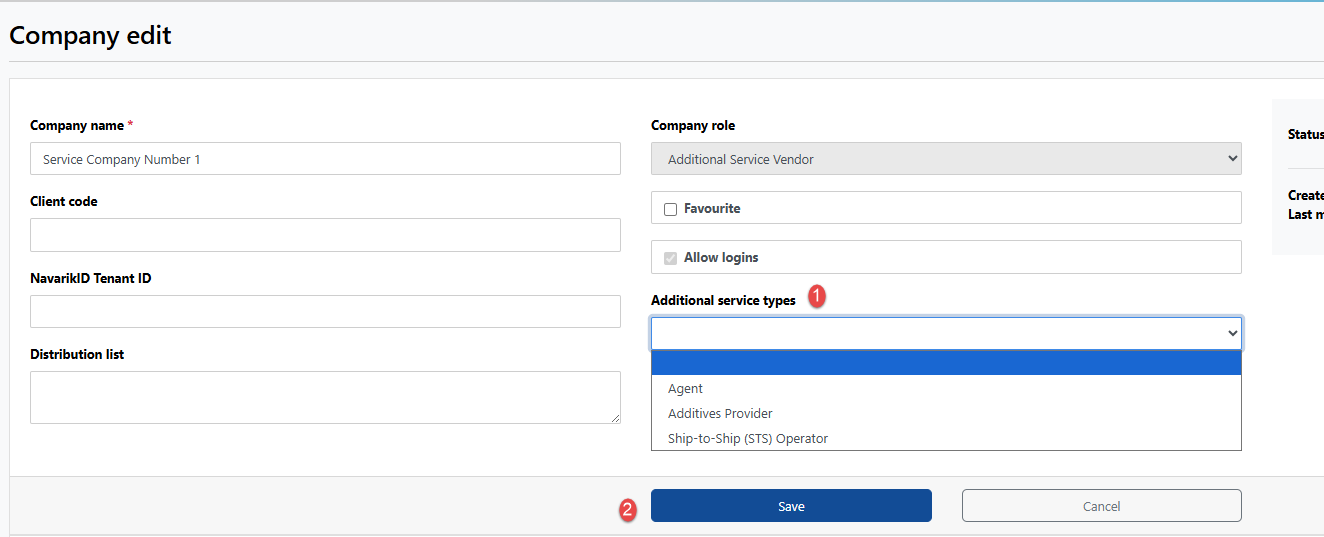
Only users with the Additional Service Vendor permissions have the ability to add the different Additional Service Types available in the system to their company profile:
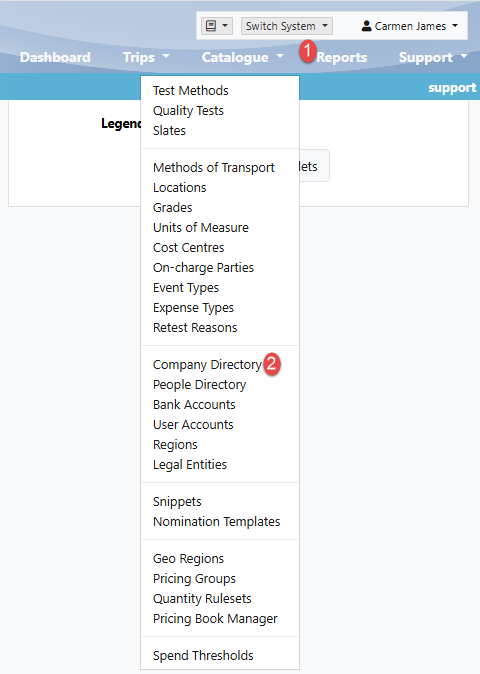
1. Select the Catalogue drop-down menu and click "Company Directory":
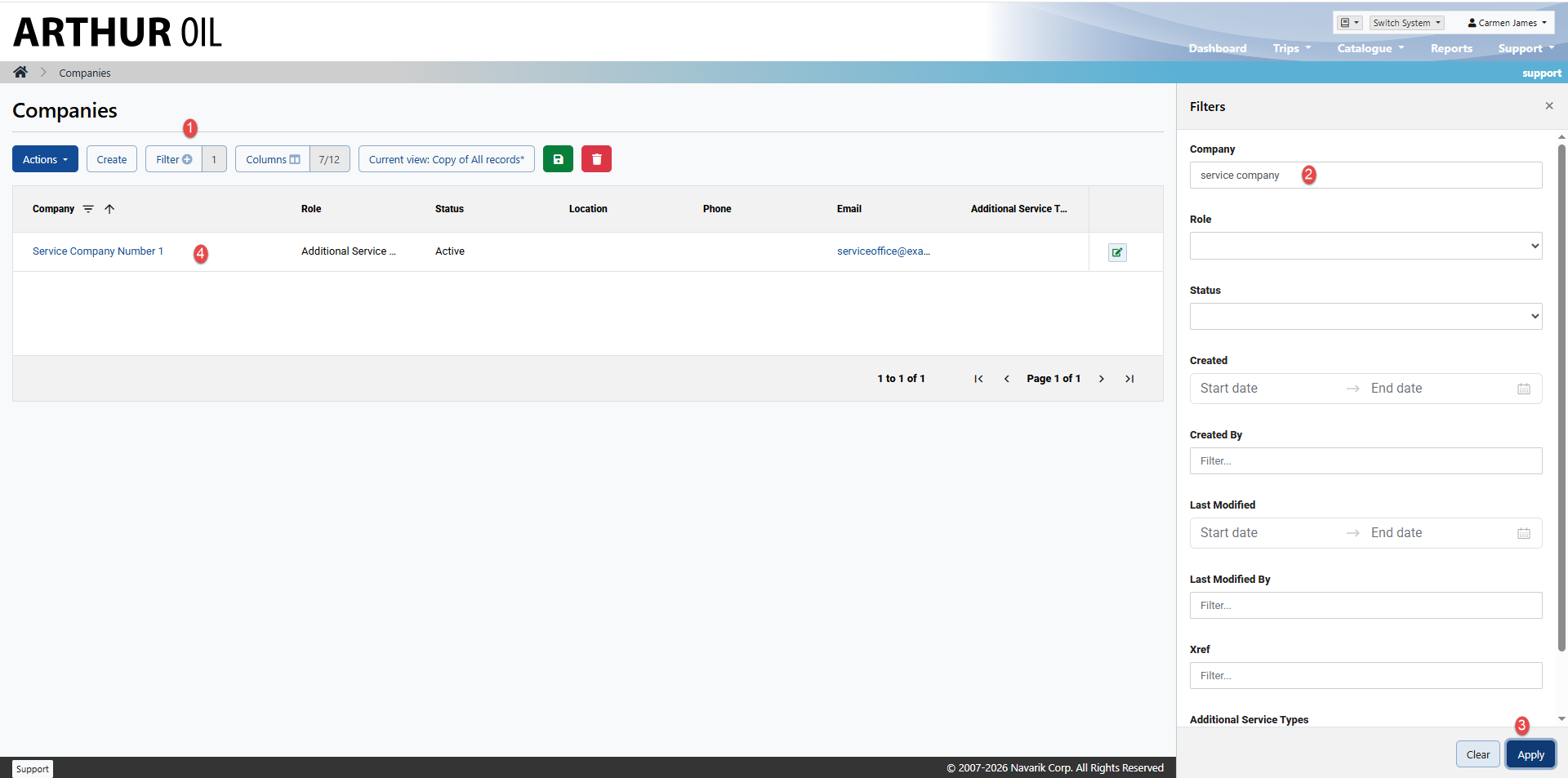
2 . Select Filter on the left, enter the company name on the right, select "Apply" on the bottom, and then click to open the company:
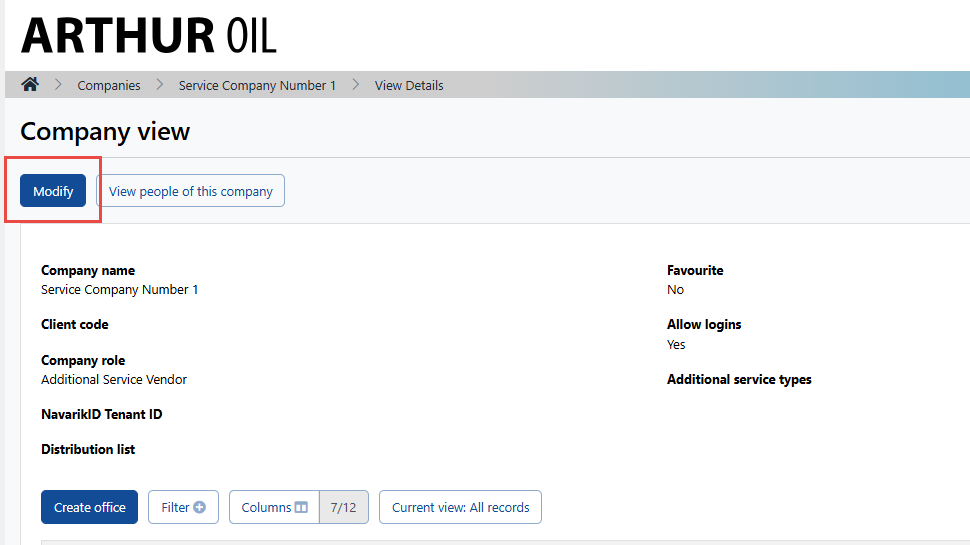
3 . Select "Modify" on the top left:
4 . Apply the additional service types and select "Save":