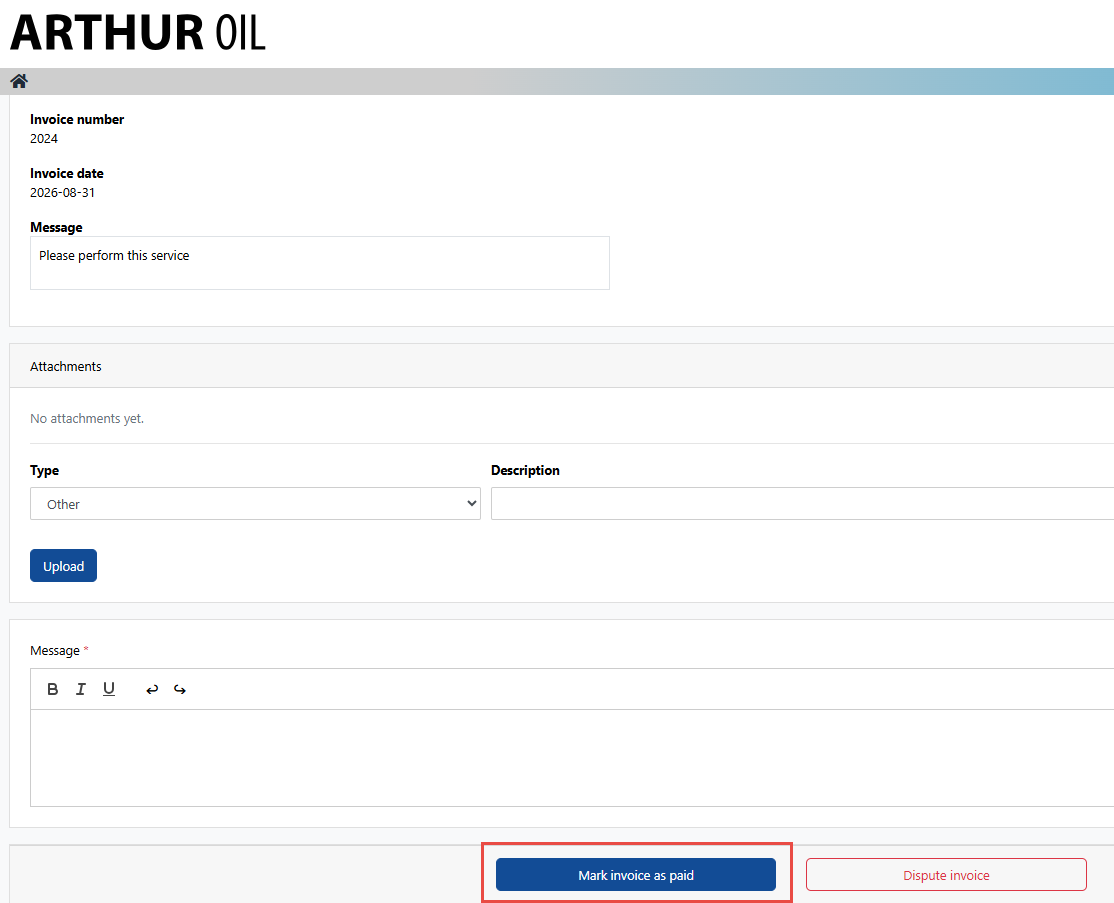
If the charges on an Additional Services Job are submitted as expected, the cargo owner is able to review and mark the Additional Service Job invoice as paid.
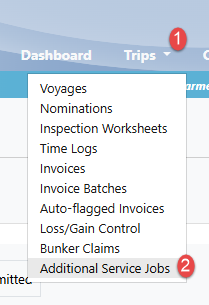
1. Navigate to the Trips drop-down menu and select "Additional Services Job":
Note: depending on your user permissions, the Trips drop-down menu may have more or less options
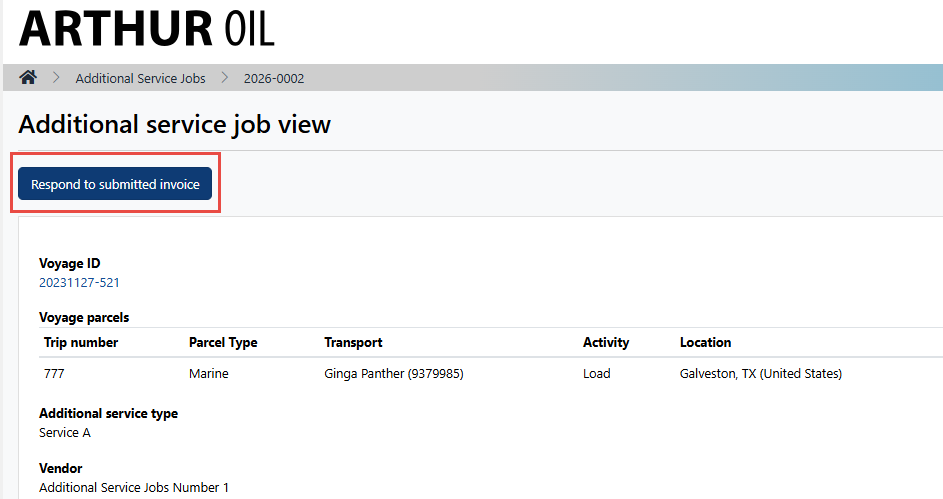
2. Search for the desired submitted invoice and select the Additional Service ID
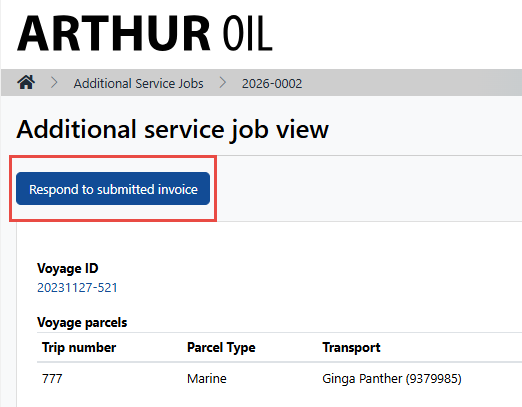
3. On the top left-hand side, select "Respond to Submitted Invoice":
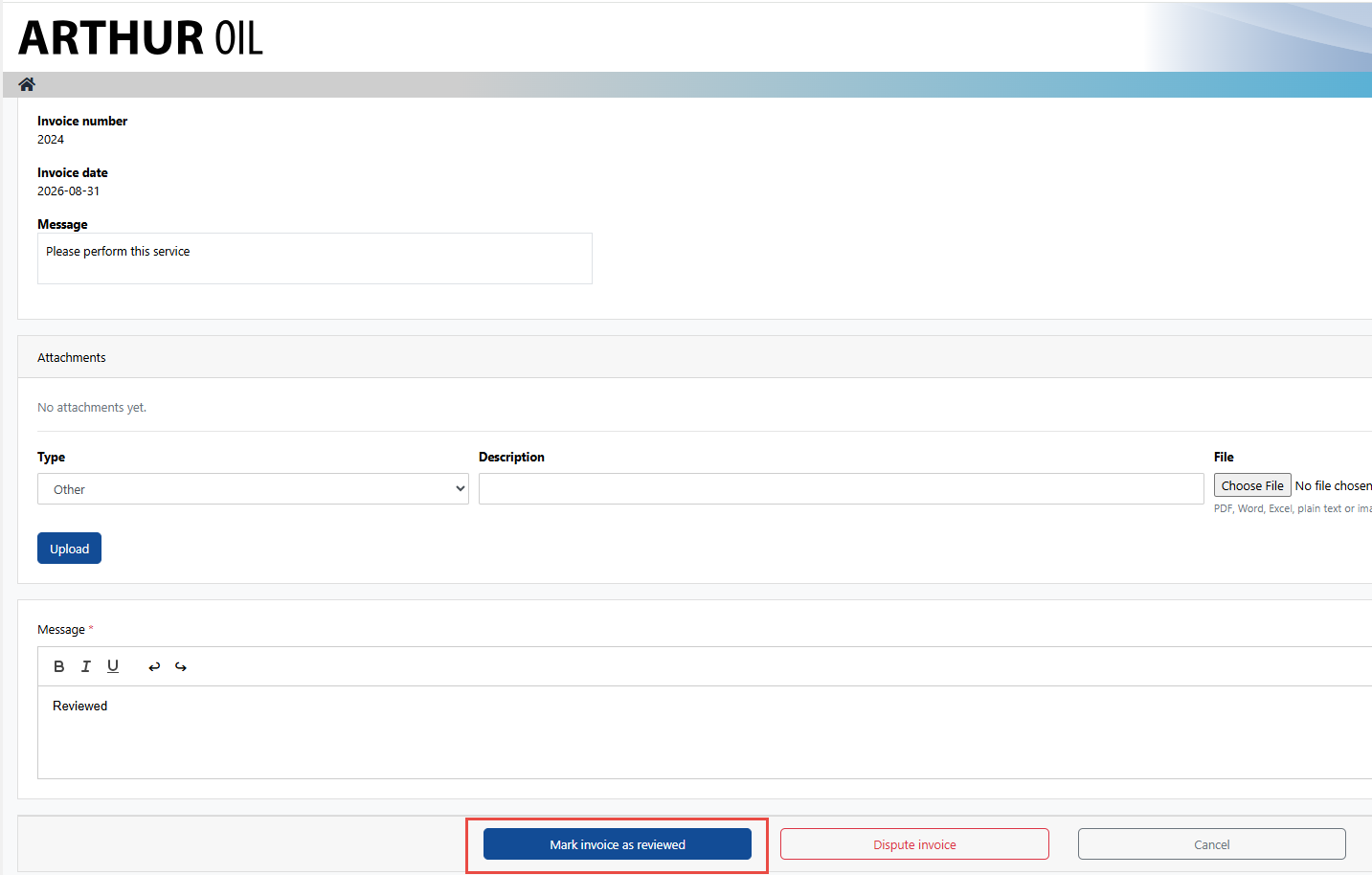
4. Enter a message and select "Mark invoice as reviewed" on the bottom of the page:
5. On the top of the page, select "Respond to submitted invoice":
6. Add a message and select "Mark invoice as paid":