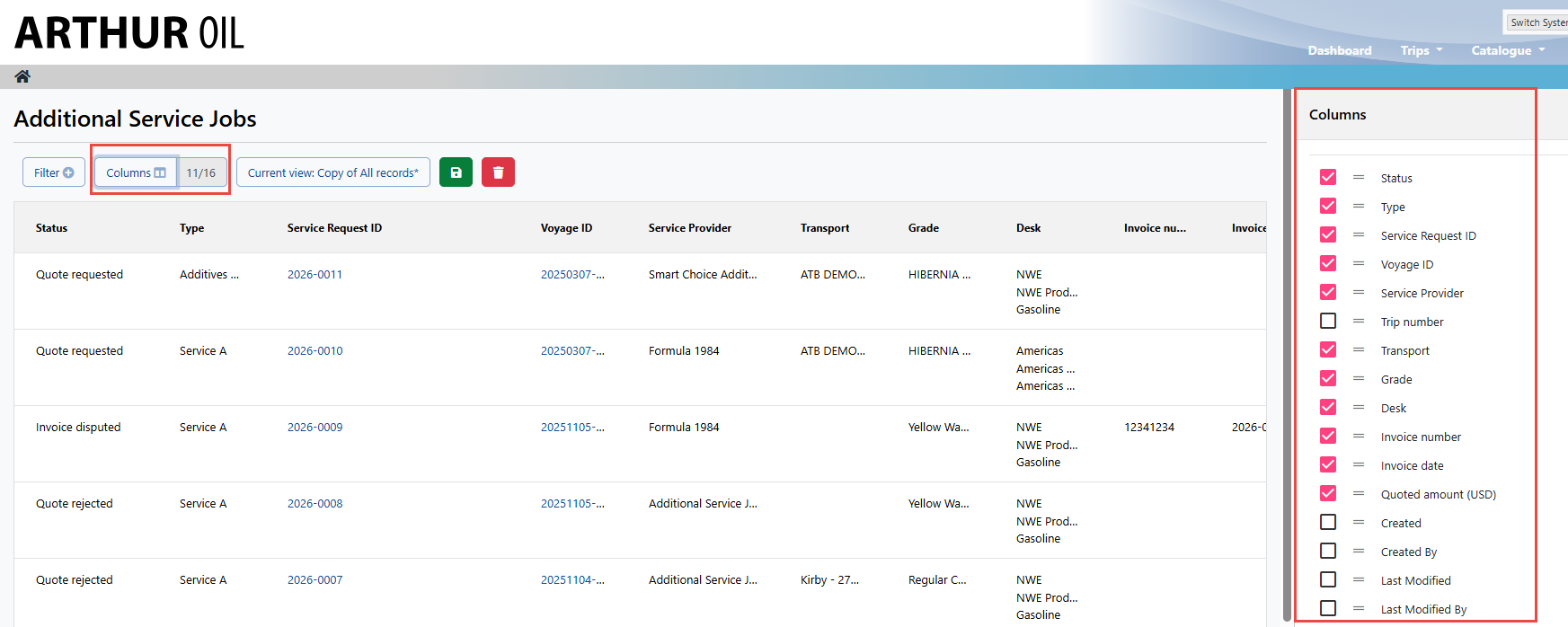
The viewall and filtering capabilities for the Additional Services Job feature mirror various other pages found within Navarik Inspection. The filters and the columns are modular and customizable to help locate the desired records easily.
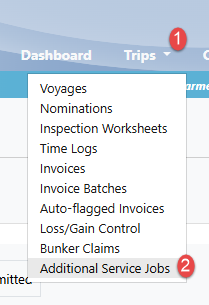
1. Navigate to the Trips drop-down menu and select "Additional Service Jobs". This will bring you to the viewall landing page for all Additional Service Job quotes and invoices.
NOTE: the pages shown on the Trips drop-down menu vary depending on your user access
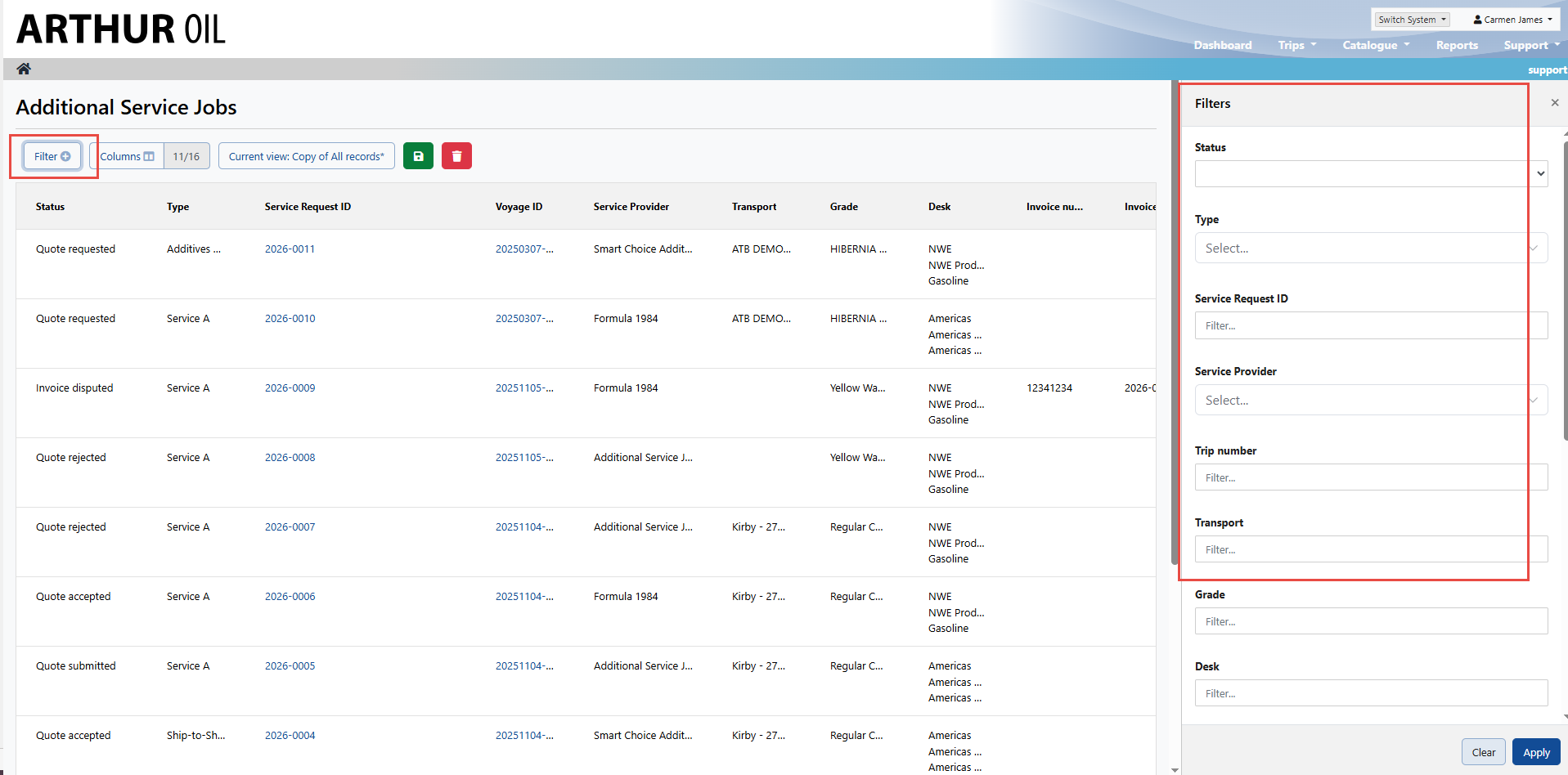
2. On the left-hand side, select the "Filter" button to present a list of fields to search by:
3. If you would like to further refine your search, you can select the Columns button and select or deselect to achieve your goal: