This article explains how the system flags gains and losses, why certain parcels (e.g., 2‑point parcels) may not be flagged, and the meaning of the color‑coding indicators used in voyage reconciliation results.
• Does the system flag both gains and losses?
Yes. The system is designed to calculate and flag both gains and losses during the reconciliation process.
• Why isn’t a 2‑point parcel flagged?
Flagging is applied only when results exceed defined thresholds.
• Threshold evaluations and flagging are specific to 4‑point analyses.
• 2‑point parcels do not undergo this flagging process, which is why they do not generate threshold flags.
• Why are gains flagged in red?
The color coding represents the status of loss and quantity results.
Color Indicator Definitions
| Color | Meaning |
|---|---|
| Red | At least one loss item falls outside the specified threshold. |
| Green | All loss items are within the defined thresholds. |
| Yellow | At least one worksheet has quantity results in a retest state. |
Additional Resources:
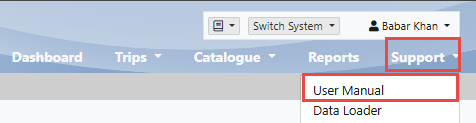
For detailed system behavior and reconciliation workflows, please refer to the Inspection Online Help User Manual: