If you are a cargo owner and an additional services job invoice was submitted that you would like to dispute, please see below:
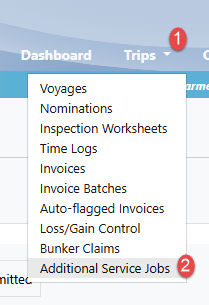
1. Navigate to the Trips drop-down menu and select "Additional Services Job":
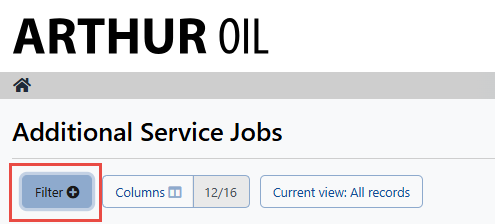
2. Select the filter on the top left-hand side to refine your search for the specific invoice number or for the status "Invoice Submitted":
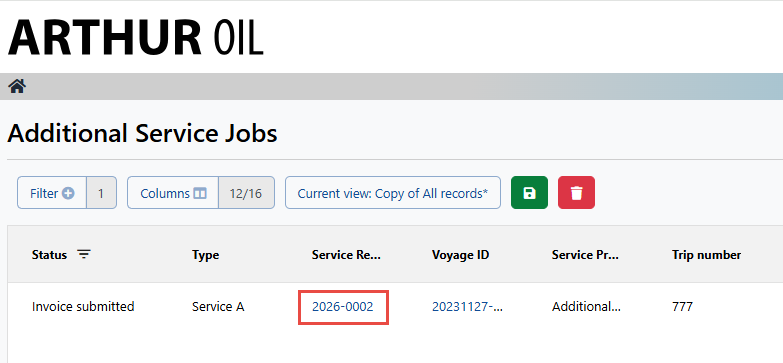
3. Select the Service Request ID:
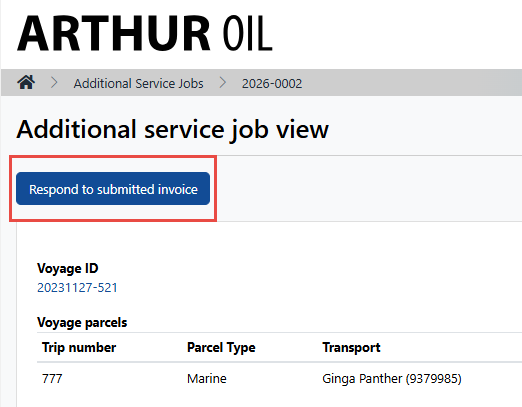
4. On the top left-hand side click "Respond to submitted invoice":
5. Enter a message and select "Dispute invoice"
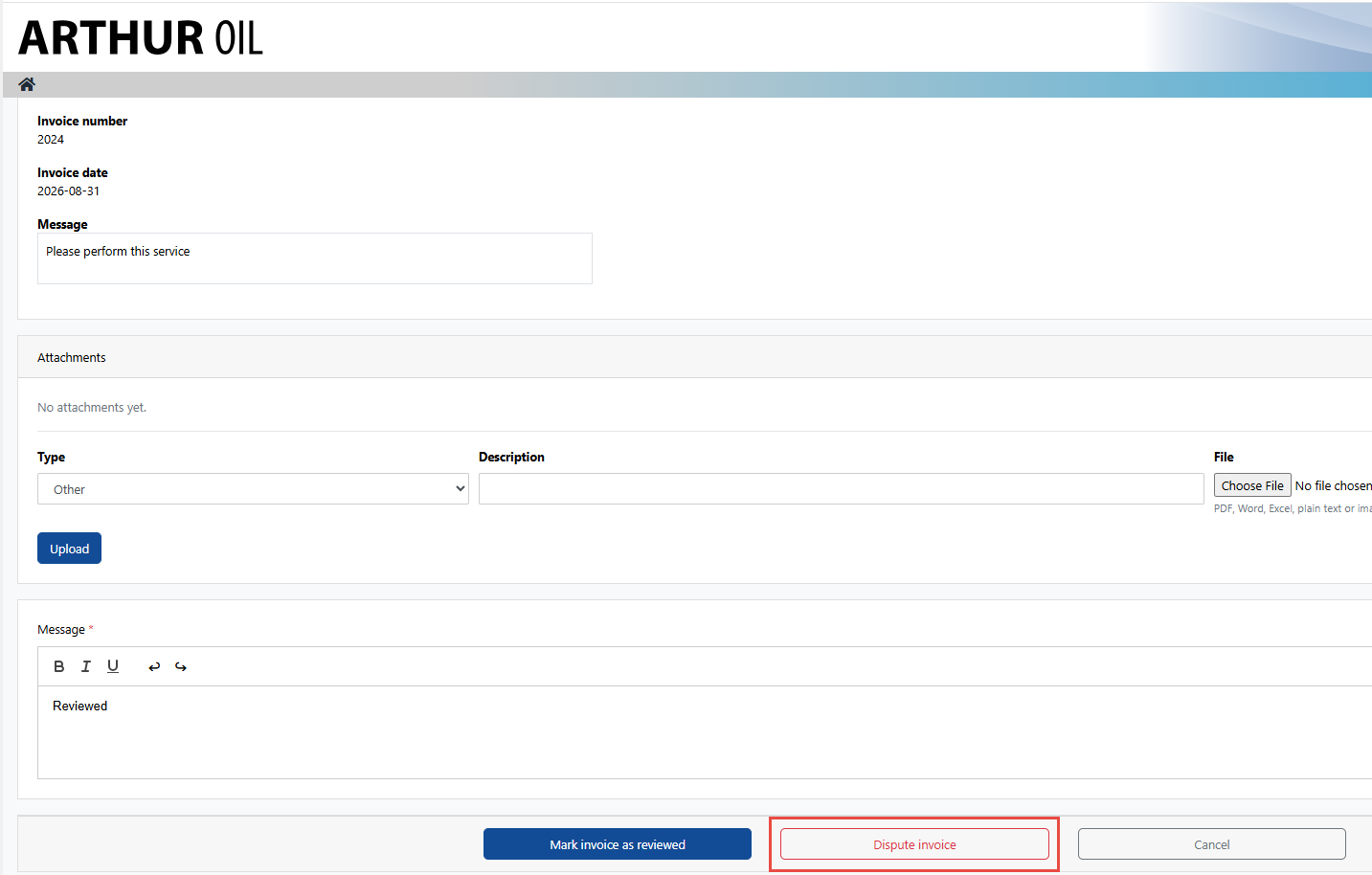
At this point, the vendor will be notified that their invoice has been disputed and they will be able to resubmit any necessary corrections.