Navarik allows users associated with Federated Cargo Company profiles to access Navarik Inspection with their corporate email address, eliminating the need to remember a separate username and password.
To login using Single Sign-On (SSO), follow the steps outlined below:
1. In the browser, enter the URL (www.navarik.net)
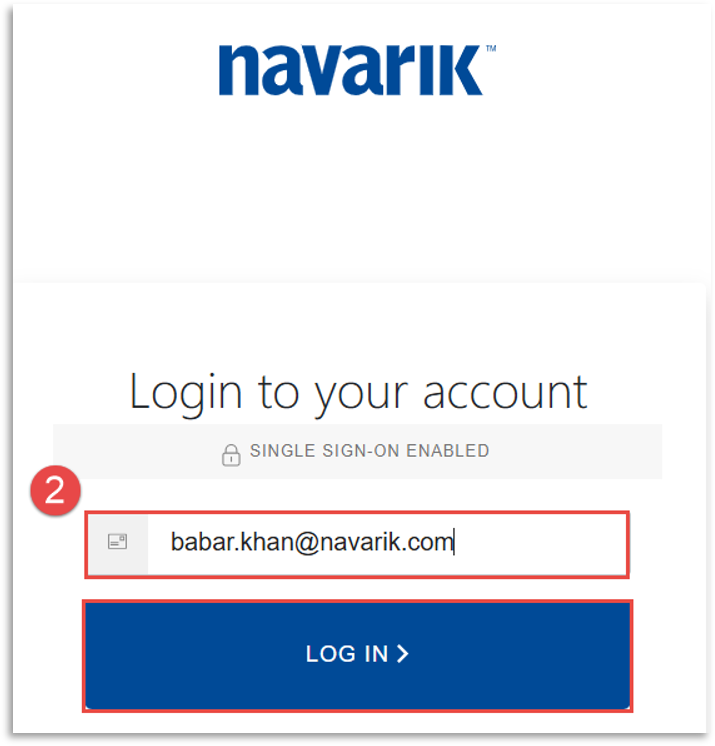
2. On the Navarik Login Page, enter your corporate email address in the Login to your account pop-up box and click Log In (password should not be required).
NOTE: You will only be able to log into the system if you have a valid, active user account. If you are unable to log in, please contact your system administrator or reach out to support@navarik.com for assistance.