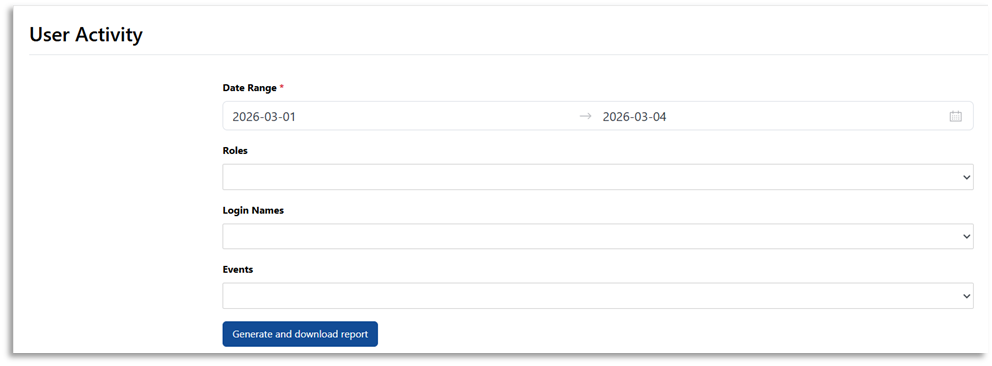
Navarik has a report function that allows system administrators to view and download the "User Activity" report.
To view User Activity:
• From the dashboard, navigate to the Reports menu • From the Reports menu, select User Activity tab
Navarik has a report function that allows system administrators to view and download the "User Activity" report.
To view User Activity:
• From the dashboard, navigate to the Reports menu• From the Reports menu, select User Activity tab