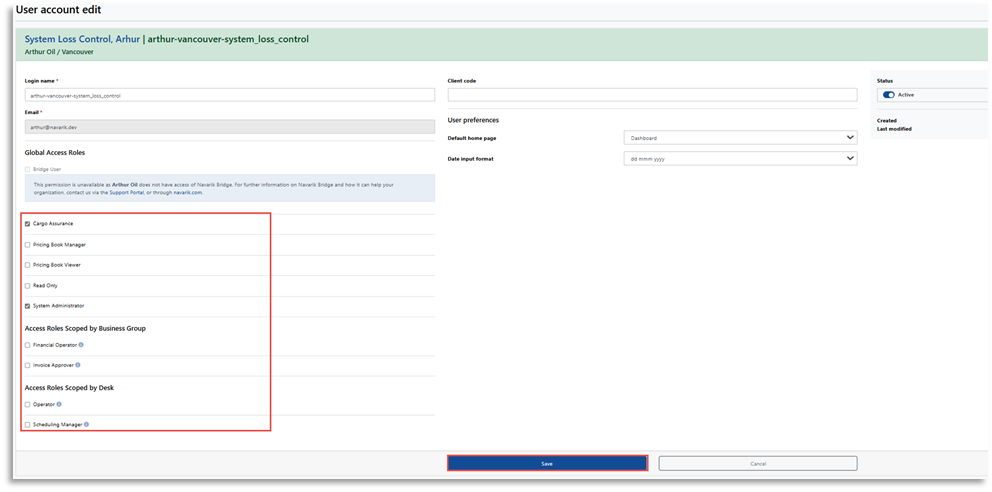
Users with system administrator permissions have the ability to modify user roles as needed.
Navigate to the Catalogue (or Master Data) menu >> People Directory
1. Click on the Filter tab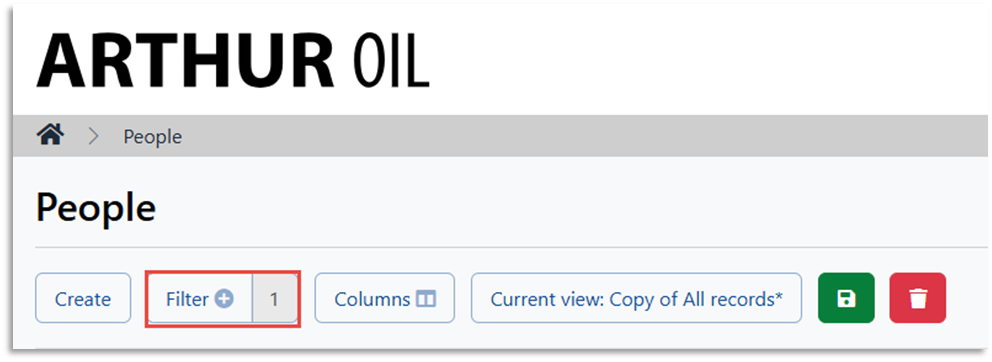
2. Enter the person's name and click Apply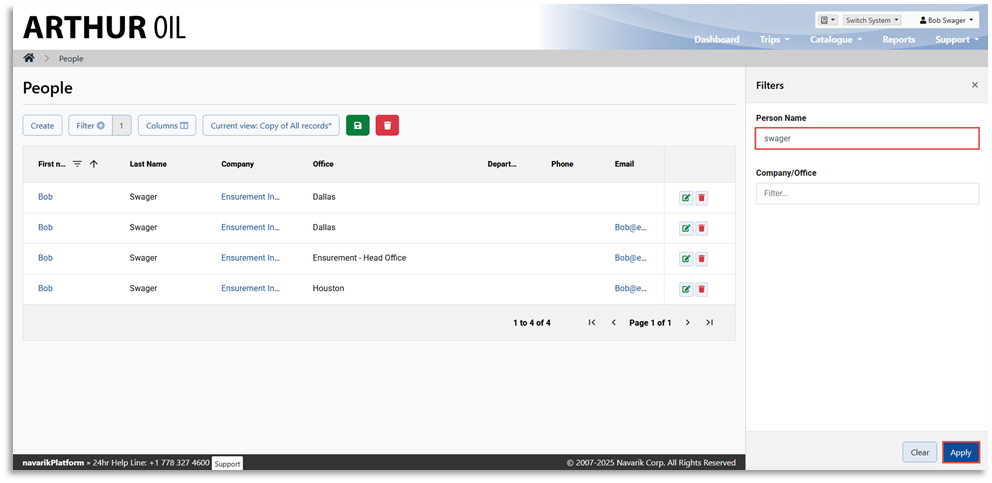
3. On the People's view page, click the person's name for whom you wish to modify the roles for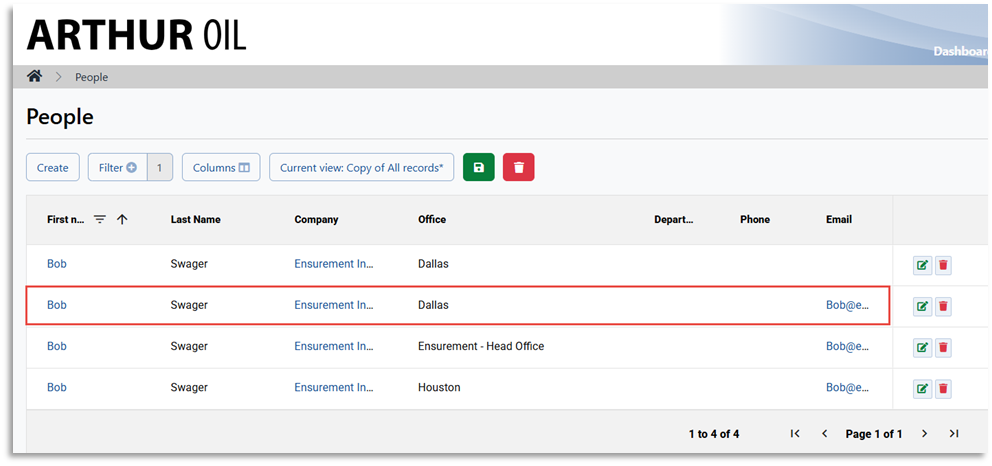
4. On the Person's view one page, click View User Account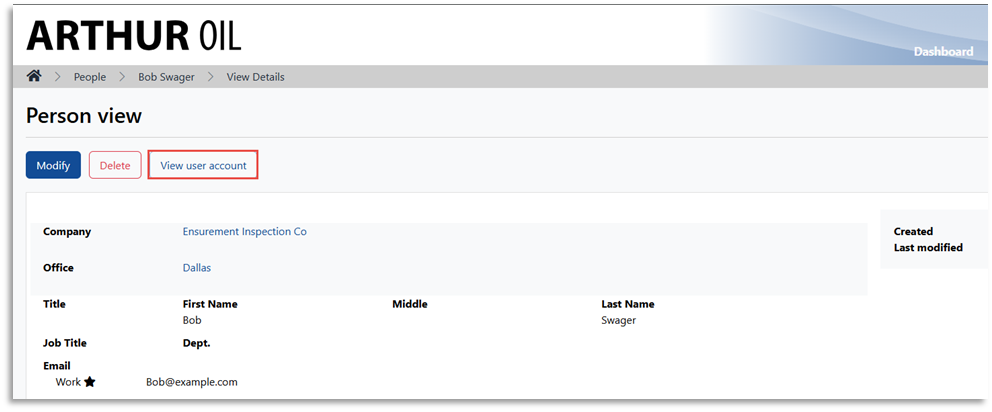
5. On the Account Preferences & Profiles Overview page, click the Actions menu and click Modify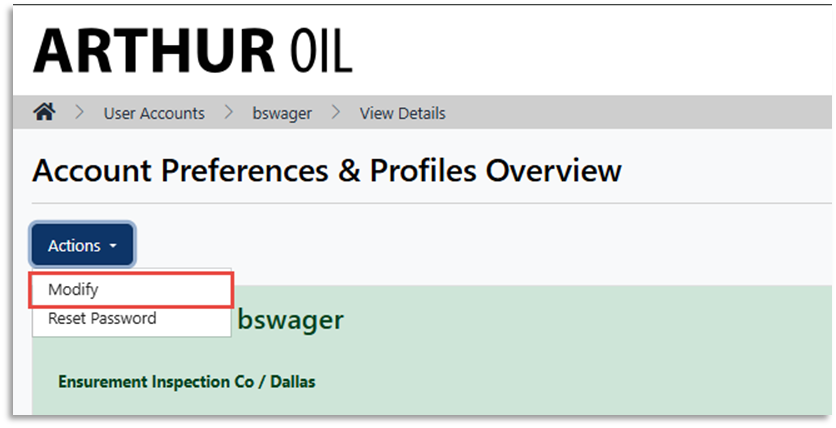
6. On the User Account Edit page, assign the desired user roles and click Save.